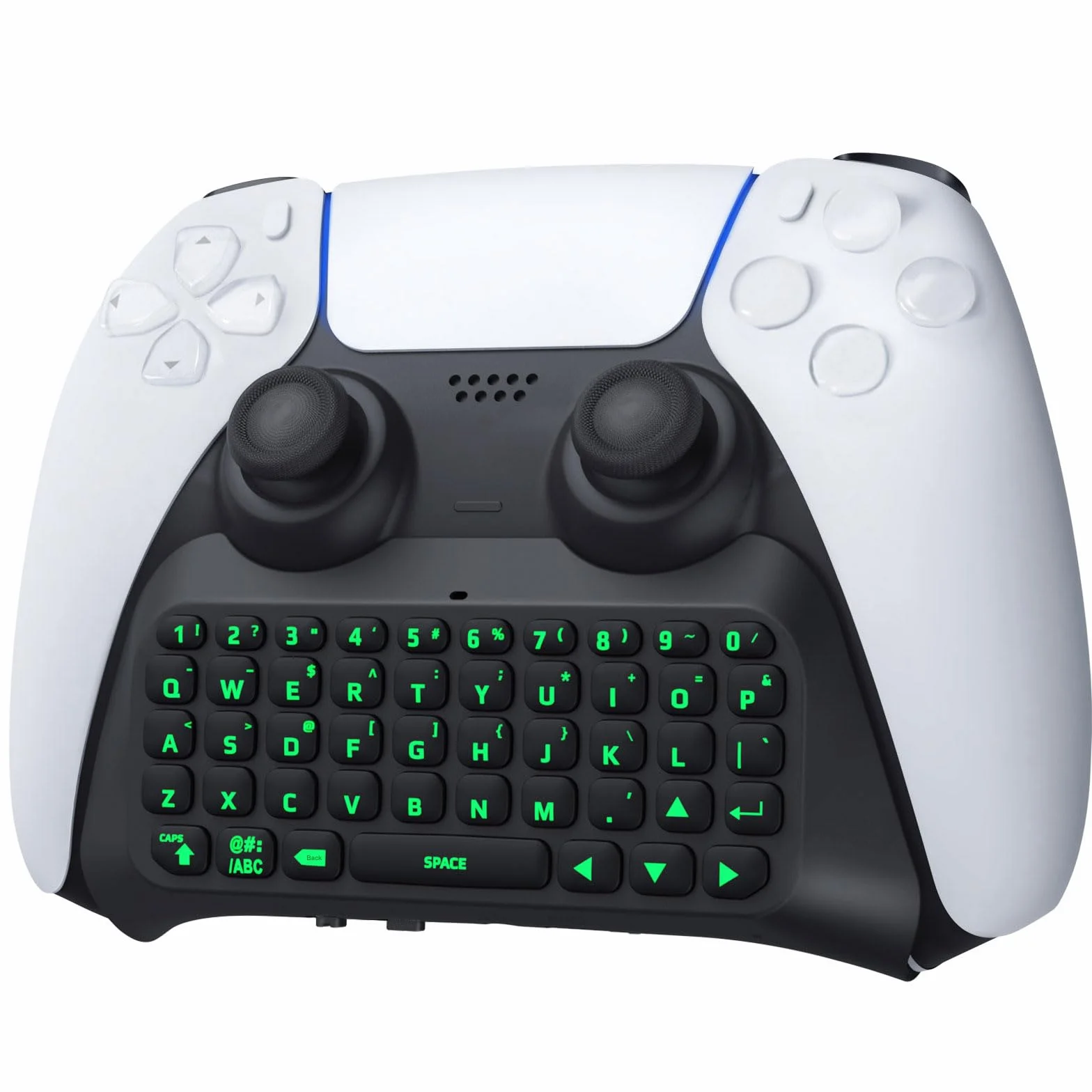
TiMOVO Green Backlight Keyboard for PS5 Controller, Wireless Bluetooth Keypad Chatpad for Playstation 5 Controller, Mini Game Keyboard Built-in Speaker with 3.5mm Audio Jack for Messaging, Black
Product Overview
Marka: TiMOVO
Zgodne urządzenia: Playstation 5
Technologia łączności: Bluetooth
Opis klawiatury: Gamingowa
Zalecane zastosowania dla produktu: Gaming
Funkcja specjalna: Wireless
Kolor: Green Backlight
Obsługa kolorów podświetlenia klawiatury: Pojedynczy kolor
Styl: Modern
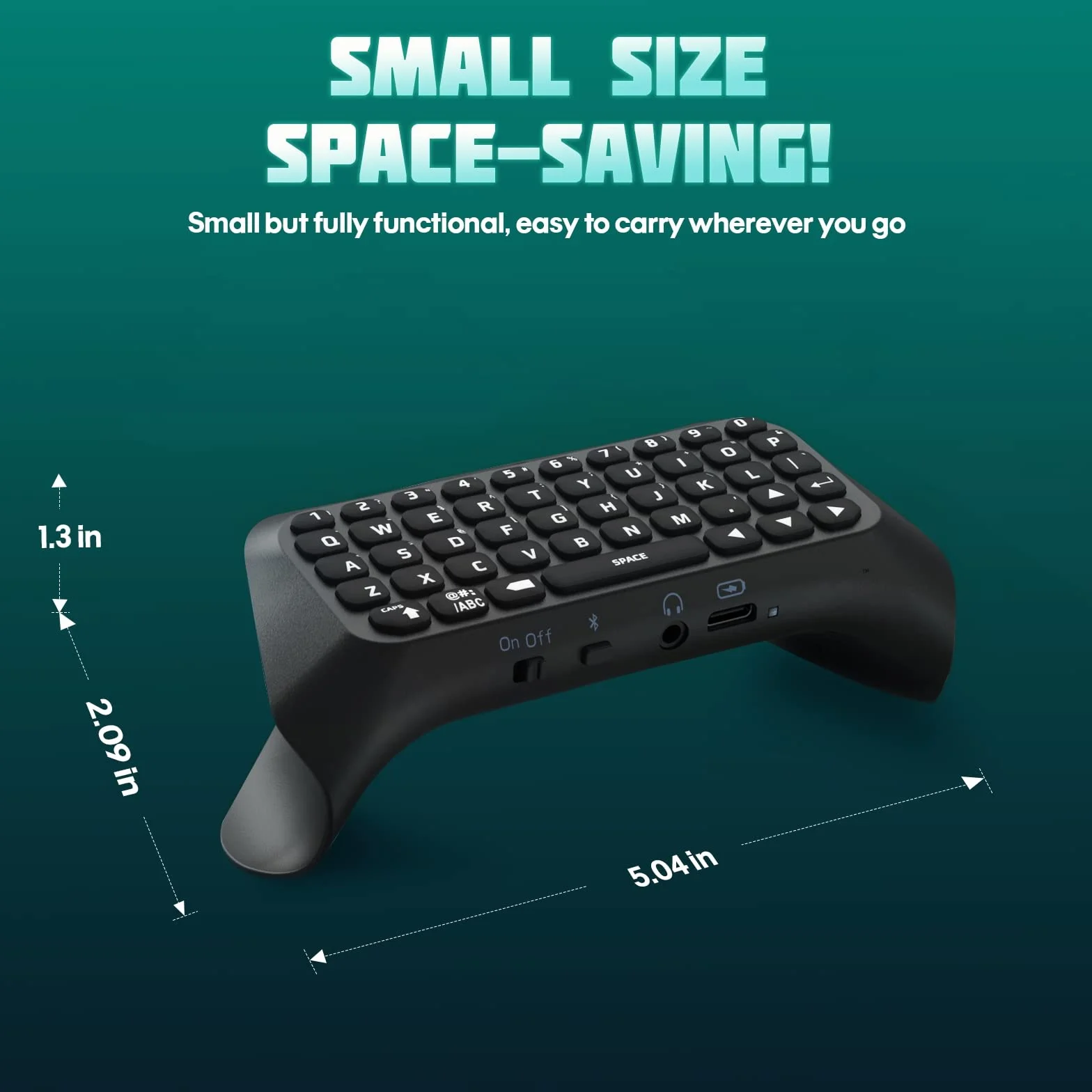
Wymiary produktu: 12,8dł. x 5,3szer. x 3,3wys. cm
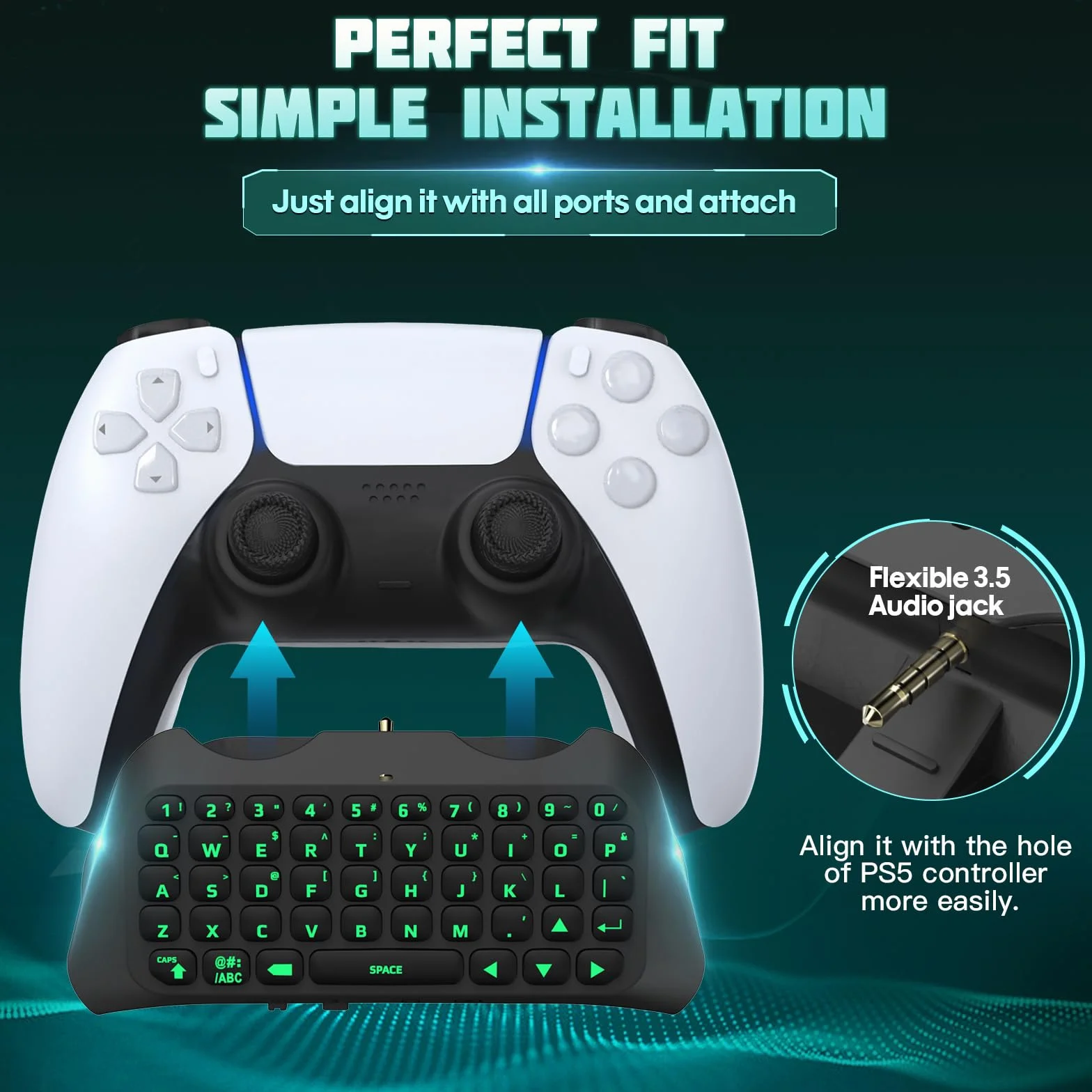
- Compatibility: This keyboard chat pad is designed for the PlayStation 5 Controller, a lightweight design won't add a ton of bulk to your PS5 controller. NOTE: Charging Cable is NOT included
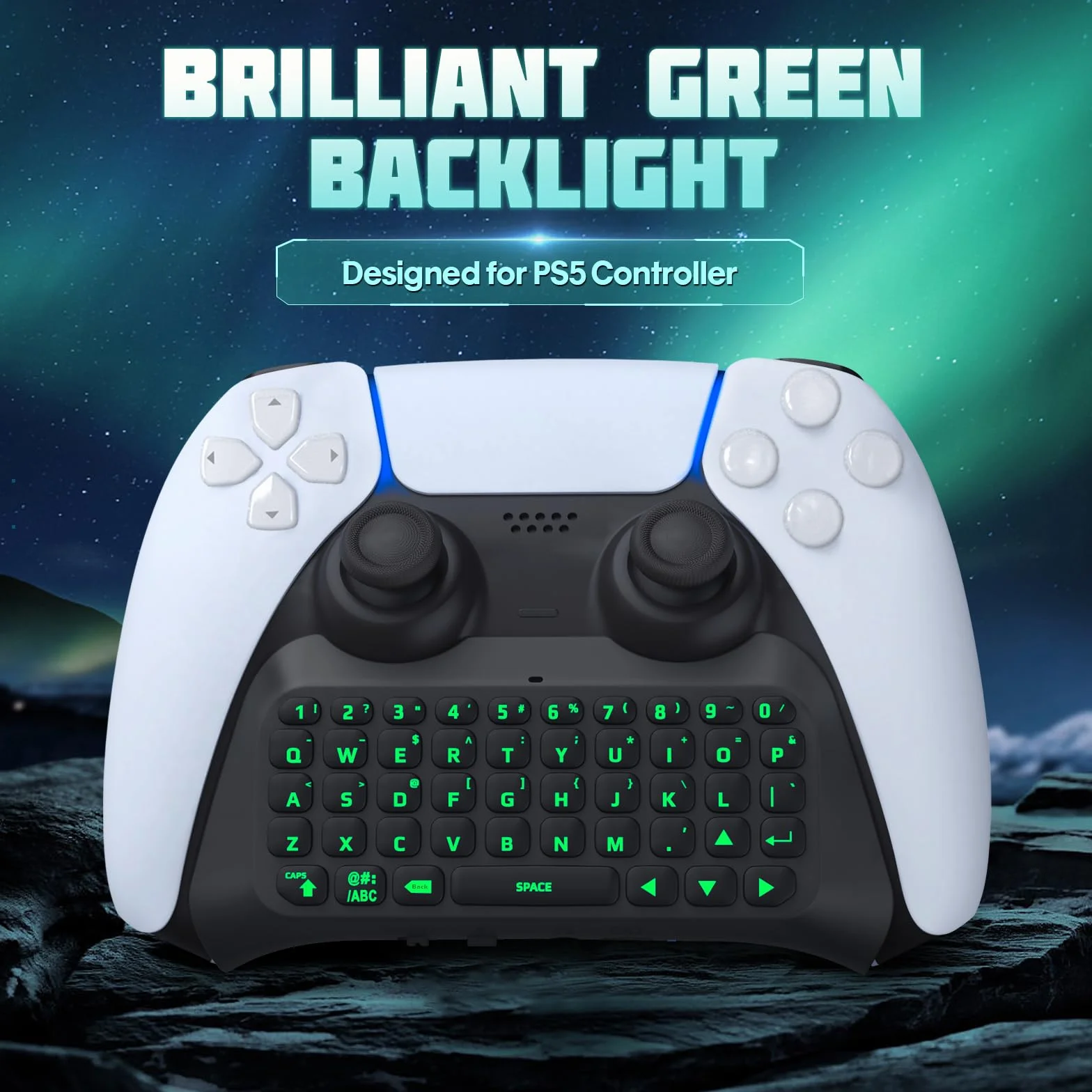
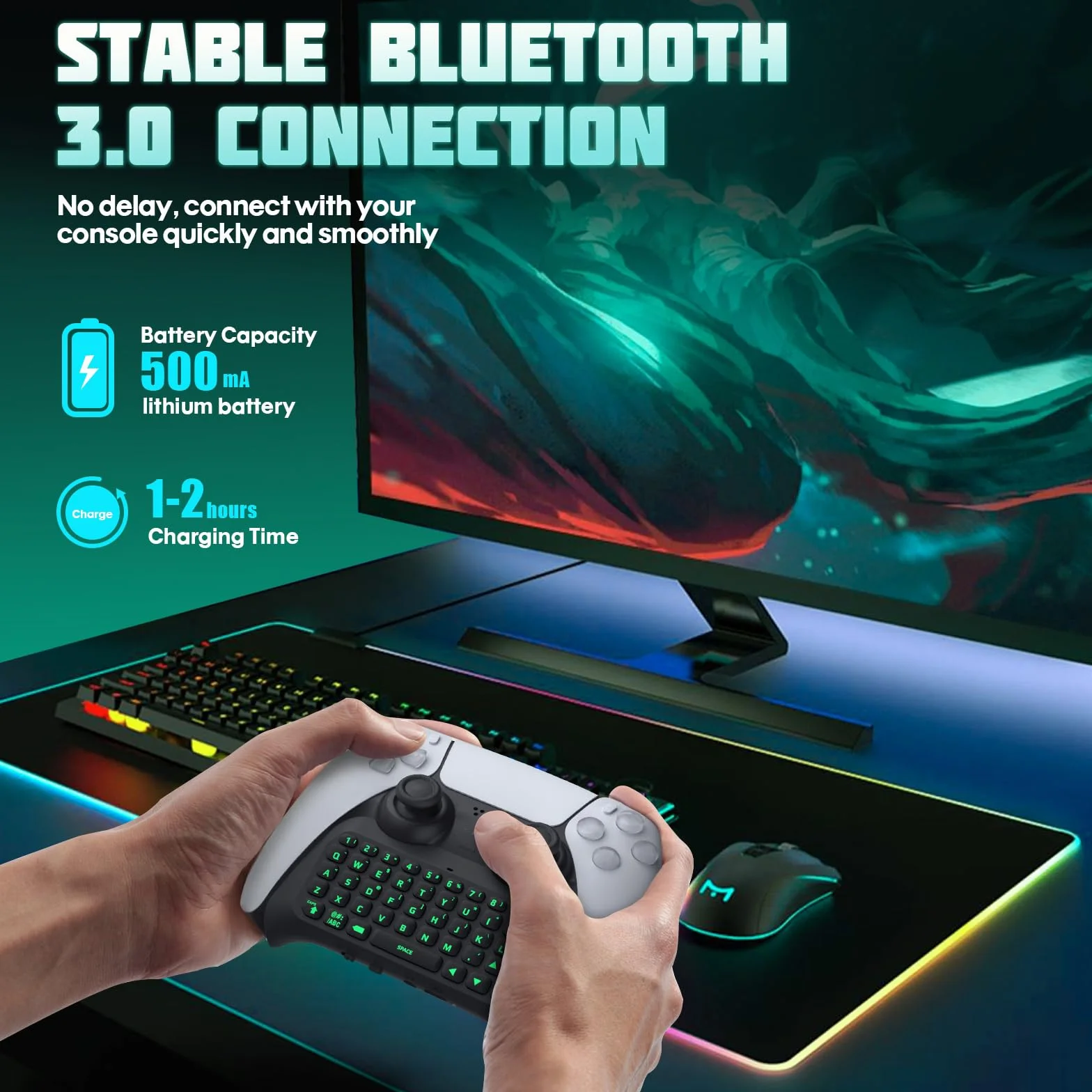
- Cool Green Light: Add keypad green backlight for PS5 design to makes the controller more attractive. When not connected to the device, press the switch to start and the green backlight will be turn on. Long press the Bluetooth pairing key, the PS5 keyboard light will flash, until the device is connected, or it will go out after five seconds not connected
- Ergonomic Design: Ergonomically designed to easily grip and operate, the mini controller keyboard for PS5 is meant to enhance the gaming experience. 100% compatible with your controller, easy to operate, feel good and light weight
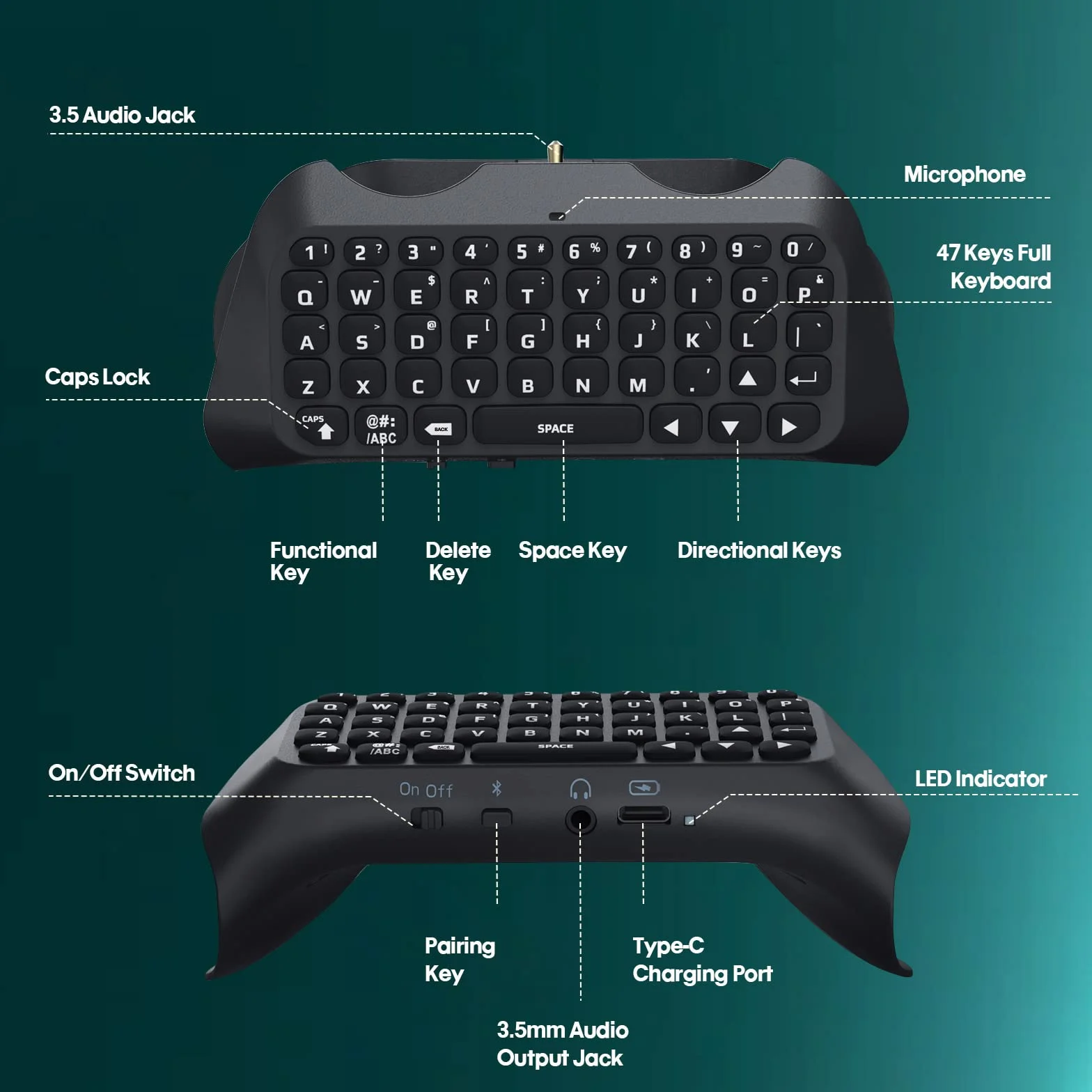
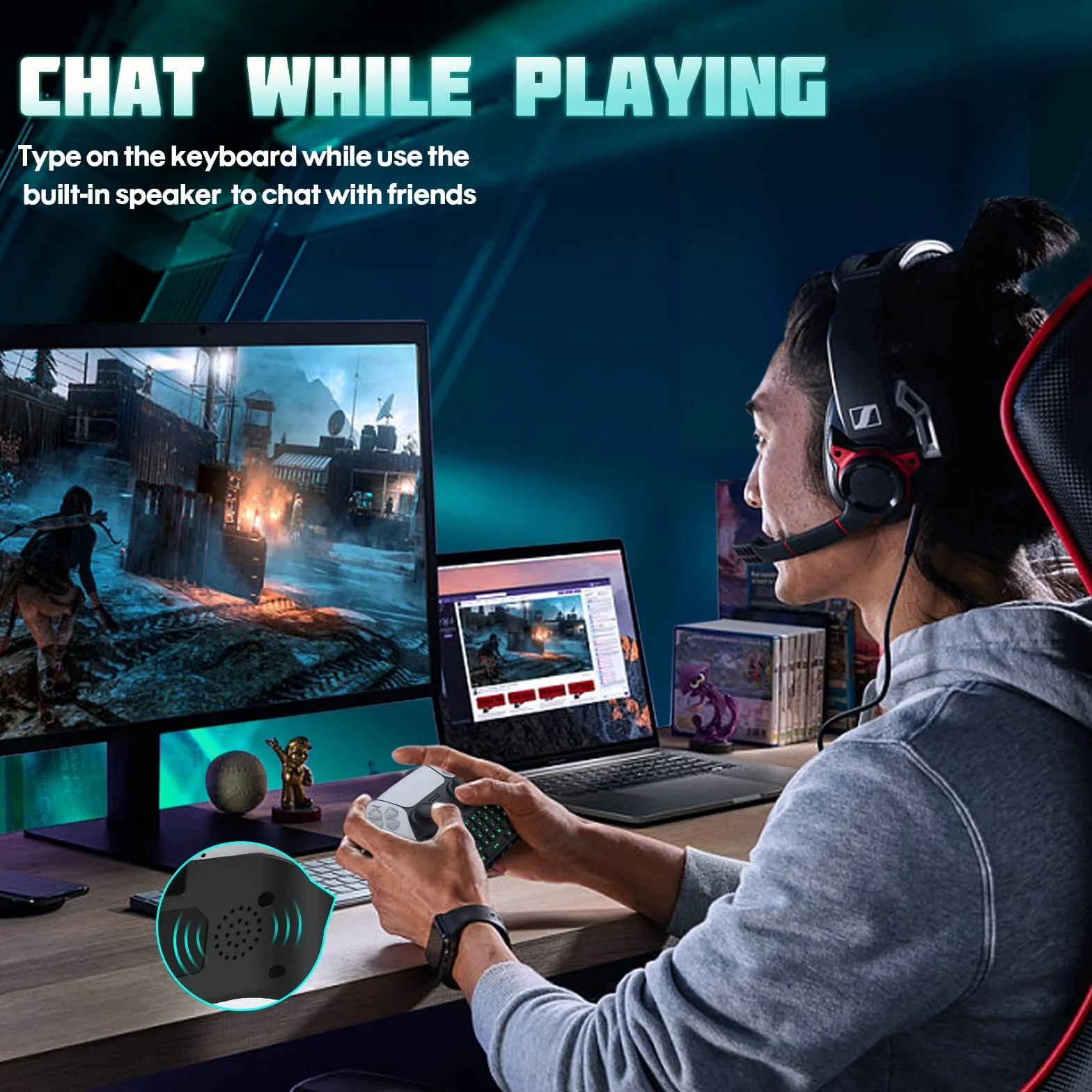
- Built-in Speaker: The built-in speaker allows you to listen to all chat audio directly from the type PS5 chatpad, making it easy to communicate with teammates in-game via voice chat or typing, greatly improving immersion. If you want to switch audio playback device, please modify the setting in “Output Device”: Settings—Sound—Audio Output—Switch Output Device Automatically (Close)
- Built-in 3.5 mm Aux Port: You can also use external headphones, earphones, headset to play silently if you're in a noisy environment. Just plug the headset into the 3.5 mm aux port on the wireless keyboard
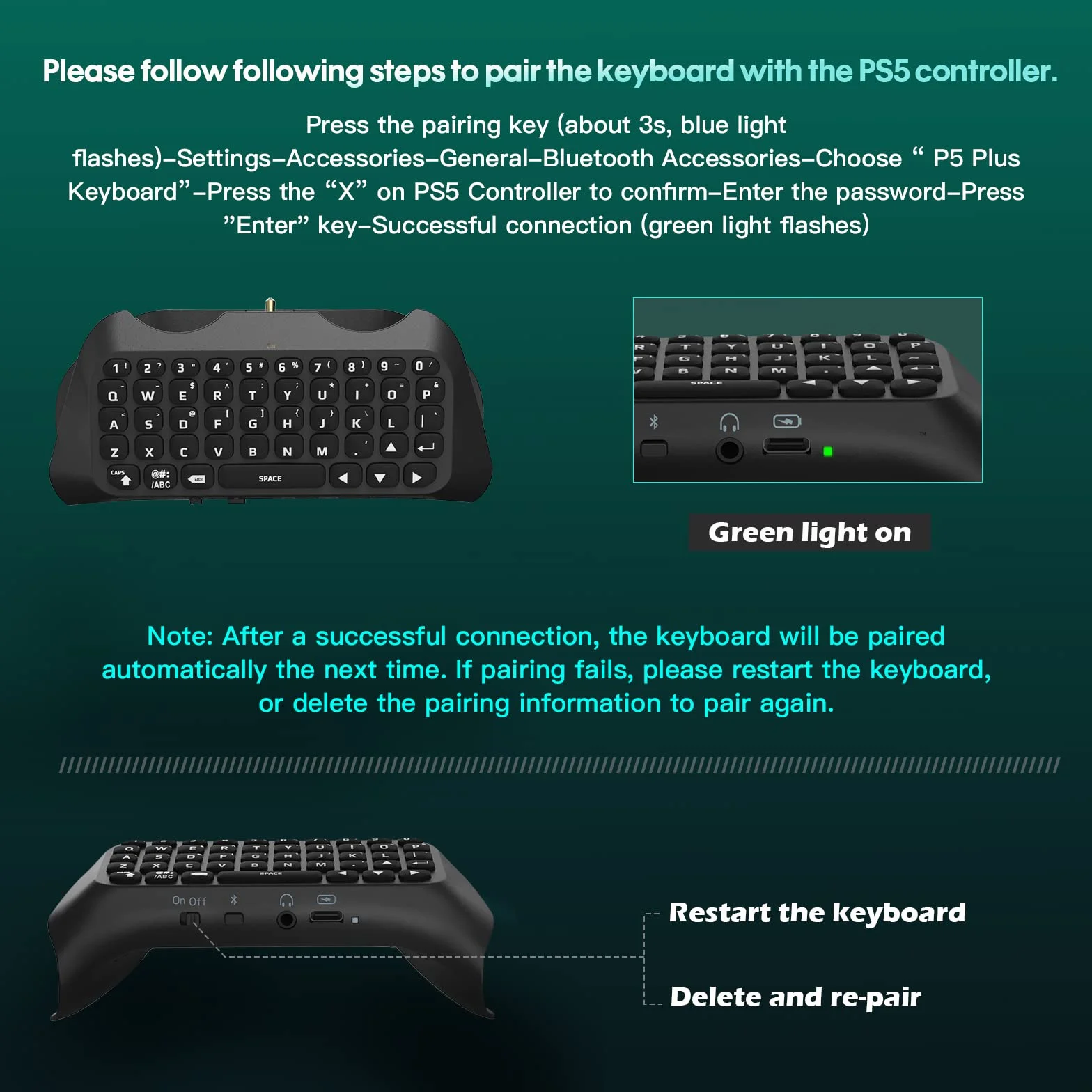
- Easy to Connect: Connect the PS5 controller first, then turn on the keyboard, press and hold the pairing button on the keyboard (about 3s) until the blue indicator flashes. Pairing steps: Settings—Accessories—General—Bluetooth Accessories—Choose the name of the keyboard “P5 Plus keyboard”—Press the “X” on PS5 Controller to confirm—Secret key will be displayed on the screen—Input it directly with the keyboard—Press Enter Key to confirm—Completion